Choose dash cams for truckers by legal mounting position, compatible power and how you will retrieve a clip. The ROVE, OldShark and Nexar options record road footage. Garmin’s dēzlCam also offers truck navigation. Check fleet policy and the exact device before installing.
Affiliate disclosure: As an Amazon Associate we earn from qualifying purchases at no extra cost to you.
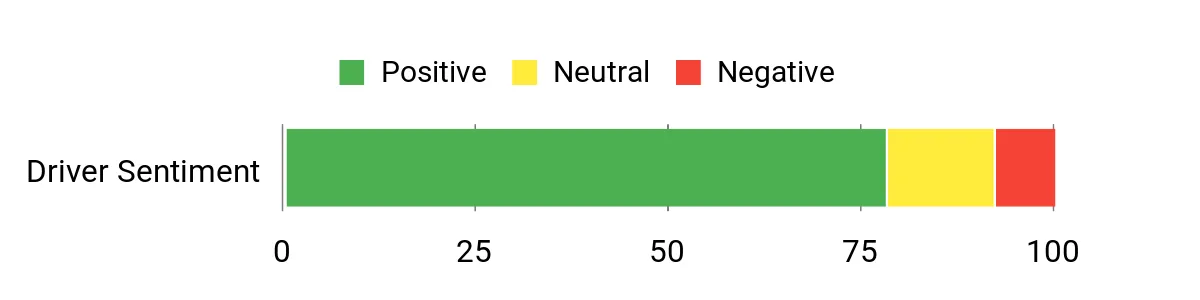
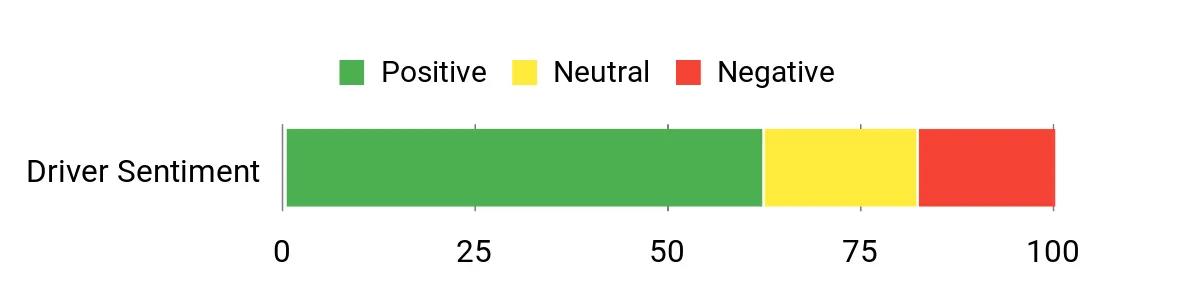
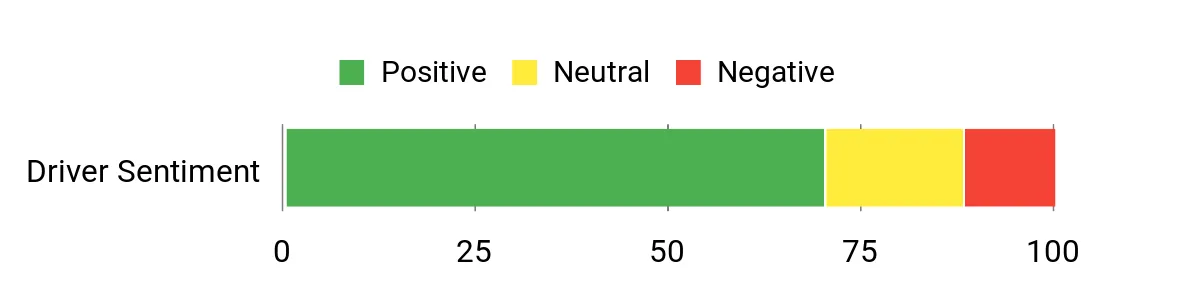
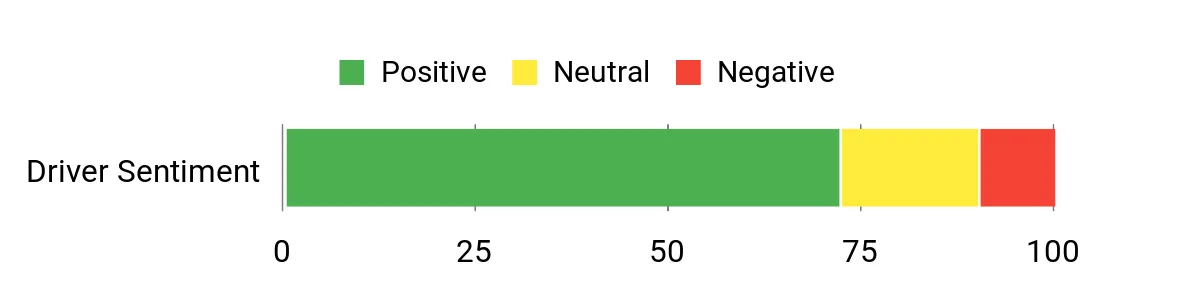
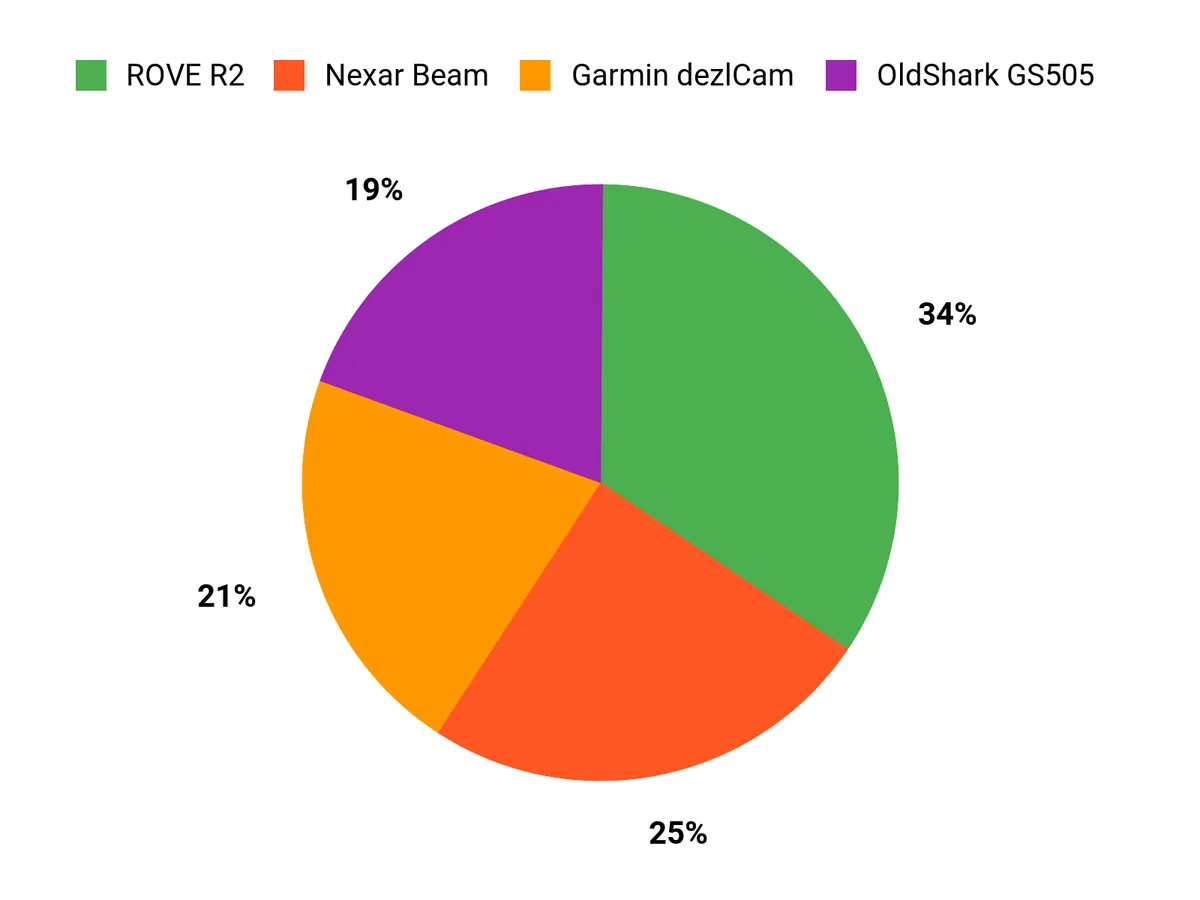
Chart note: Retained charts have no verified source sample or calculation method for this audit. They do not establish customer sentiment, ratings or tested preferences.
dash cams for truckers: specifications and practical limits
| Option | Published details and limits | Listing |
|---|---|---|
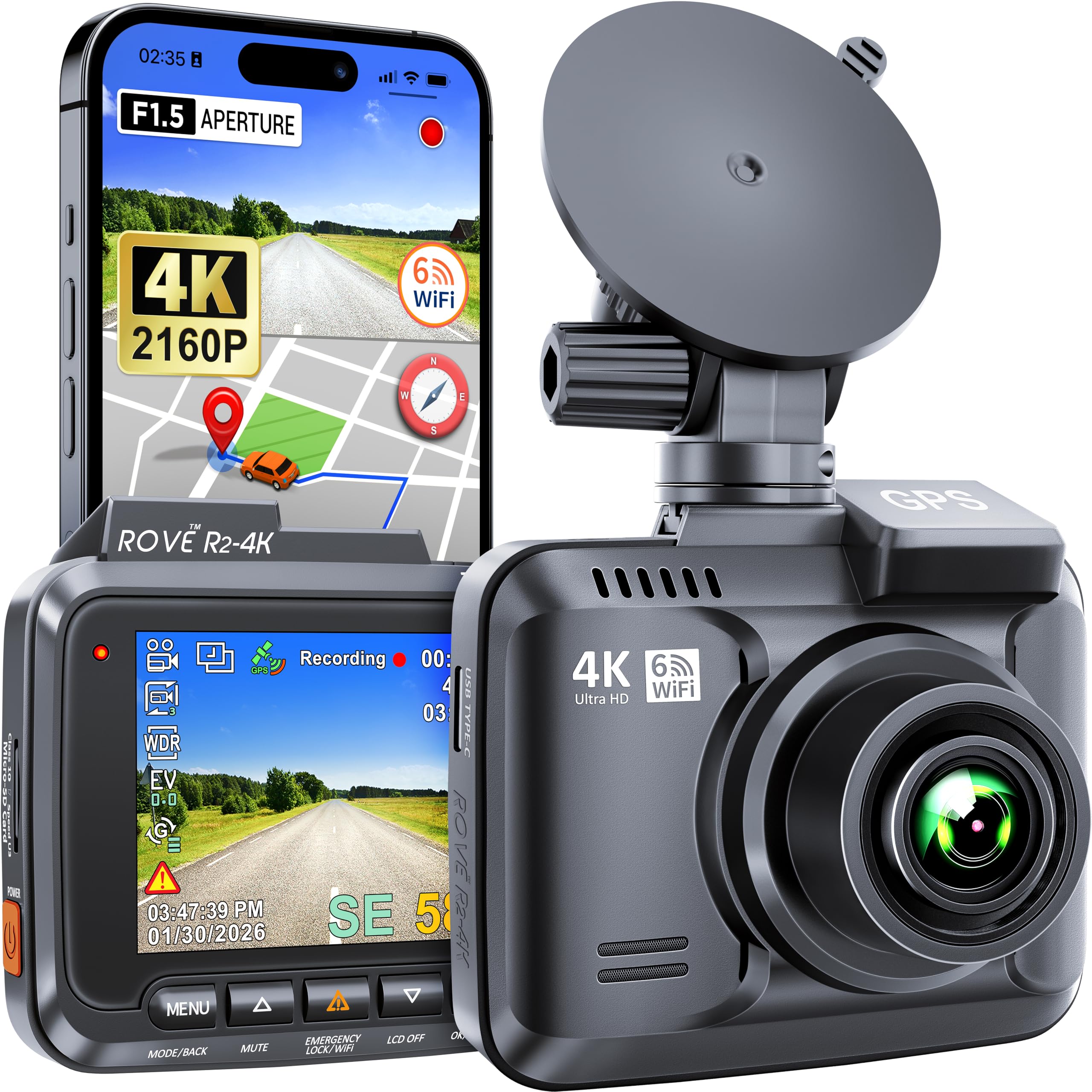
| ROVE R2-4K | Front camera with local recording. Confirm the original or refreshed revision. | Check Amazon availability |
| OldShark GS505 dash cam offer | Retailer identifies a 1080p front recorder with loop recording. | Check Amazon availability |
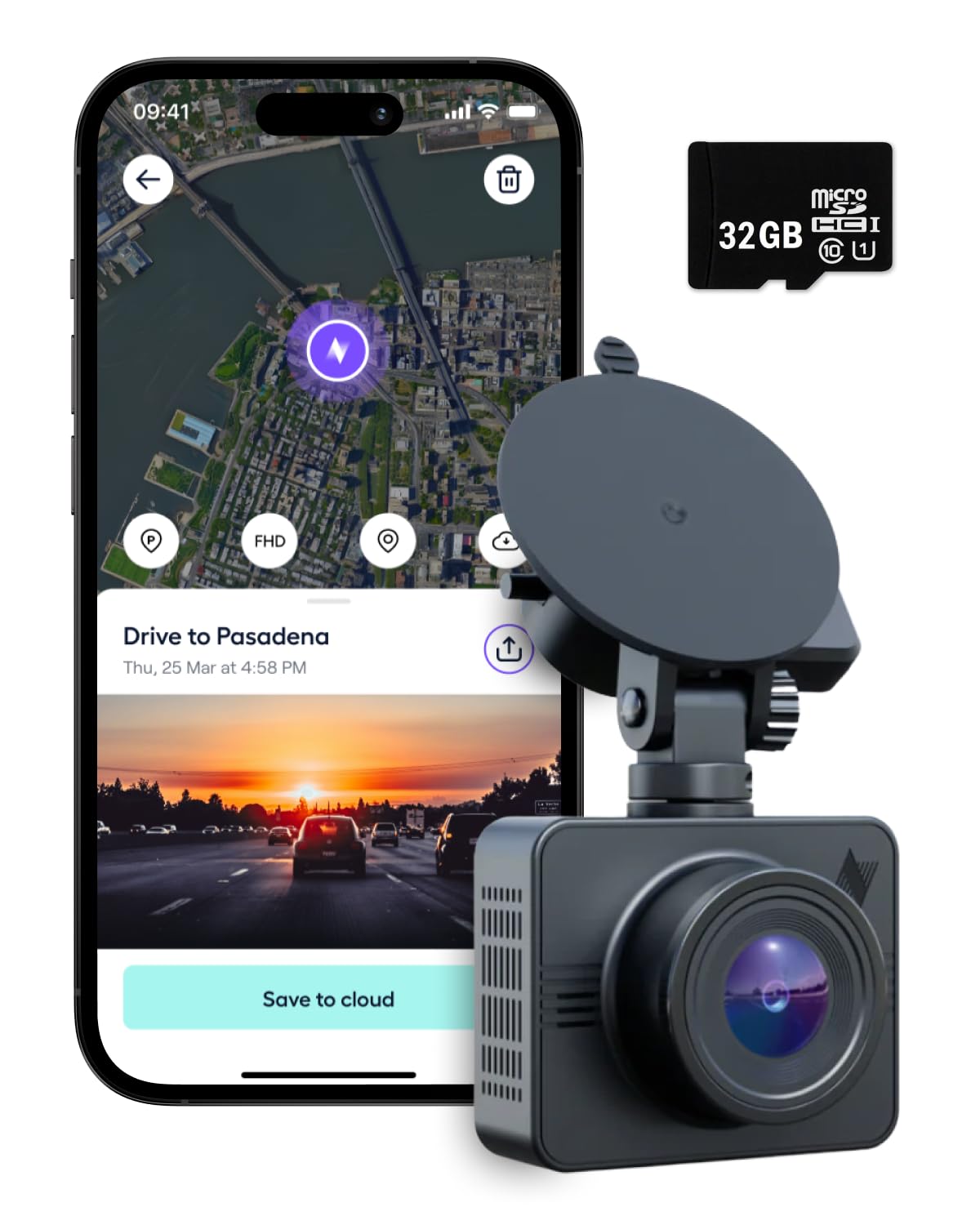
| Nexar Beam original | Wi-Fi dash camera that uses the Nexar Classic app. | Check Amazon availability |
| Garmin dēzlCam 785 LMT-S | Truck GPS navigator with integrated dash camera. | Check Amazon availability |
Check cab layout, power and fleet approval
- Confirm fleet or employer approval and the truck’s safe mounting position. Keep the driver’s view and safety sensors clear.
- Match the supplied power adapter to the vehicle and outlet. Check ignition-off behavior and parking recording requirements.
- Review footage ownership, audio, driver privacy and clip sharing under your fleet policy and applicable rules.
ROVE R2-4K
ROVE publishes separate documentation for R2-4K, R2-4K Pro and Dual. Verify the hardware version and the recorded pixel dimensions and frame rate for the unit shipped.
ROVE model documentation and support.
Limit: Check the supported card and power kit for the exact hardware.
OldShark GS505 dash cam offer
The linked model’s documentation describes a local card recorder. Confirm the supplied adapter, storage support and whether current replacement mounts are available.
Limit: Current manufacturer support and exact seller bundle could not be matched.

Nexar Beam original
Nexar separates the original Beam from its newer connected models. Confirm phone compatibility, current cloud terms and how clips are uploaded and exported.
Nexar Classic support for original Beam.
Limit: Check app and account requirements before relying on cloud access.
Garmin dēzlCam 785 LMT-S
Garmin’s manual describes routing profiles and incident recording. Check map region, available updates, power adapter and storage before choosing an older unit.
Garmin dēzlCam 785 North American manual.
Limit: Follow actual road signs, limits and restrictions. Routing suggestions depend on map data and the entered profile.

Test storage and incident retrieval before a trip
- Use the specified card or storage and confirm the unit records, loops and exports correctly.
- Check power during engine start and shutdown. Review a short road clip after parking and confirm timestamps.
- Check whether a fleet-managed device is required for multi-channel recording, remote monitoring or fleet access.
For covered US commercial vehicles, review the current federal windshield-mount requirements and applicable fleet instructions. 49 CFR 393.60 windshield requirements
Related guides
- Compare a dash cam with GPS tracking and action recording
- Compare separate front and rear motorcycle cameras
Recheck the exact listing
Confirm the selected model, seller, included items and current return terms before buying.
ROVE R2-4K
Check Amazon availability
OldShark GS505 dash cam offer
Check Amazon availability
Nexar Beam original
Check Amazon availability
Garmin dēzlCam 785 LMT-S
Check Amazon availability
Frequently asked questions
Are all four cameras commercial fleet systems?
These offers include standalone cameras, an app-connected camera and a truck navigator. Check whether your employer requires a specific fleet system.
Can I mount a camera anywhere on the windshield?
Check the applicable windshield rules, fleet guidance and vehicle instructions. Preserve the driver’s view and equipment operation.
Does the original Nexar Beam use the same service as Beam2?
Nexar documents the original Beam under Nexar Classic. Check current compatibility, account and service conditions for the exact model.
Should I buy an older navigator for the built-in camera?
Check map coverage, update availability, cab fit and video export first. Choose the device that meets the routing and recording needs you have.